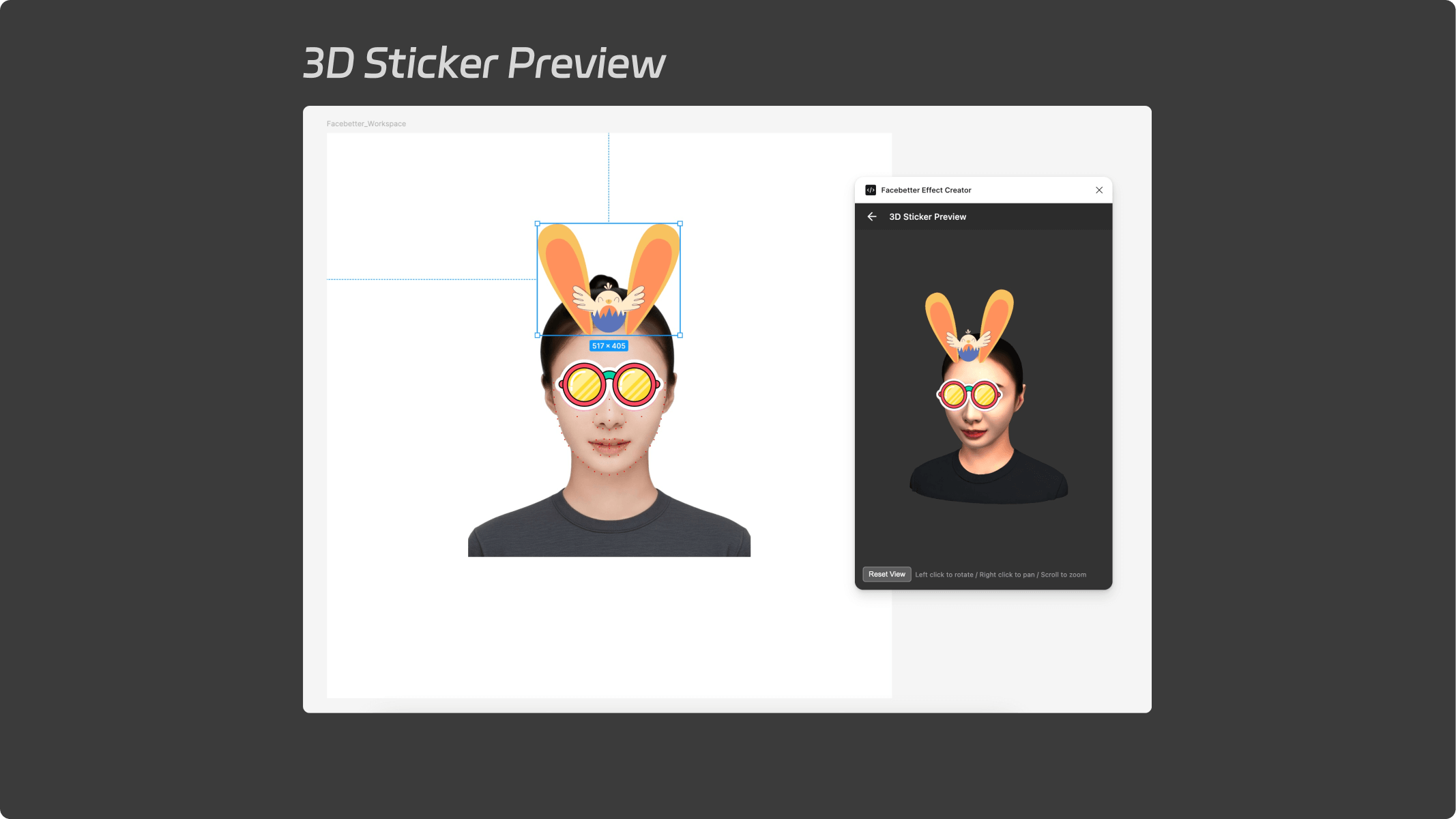
Introduction to Facebetter Effect Creator Figma Plugin
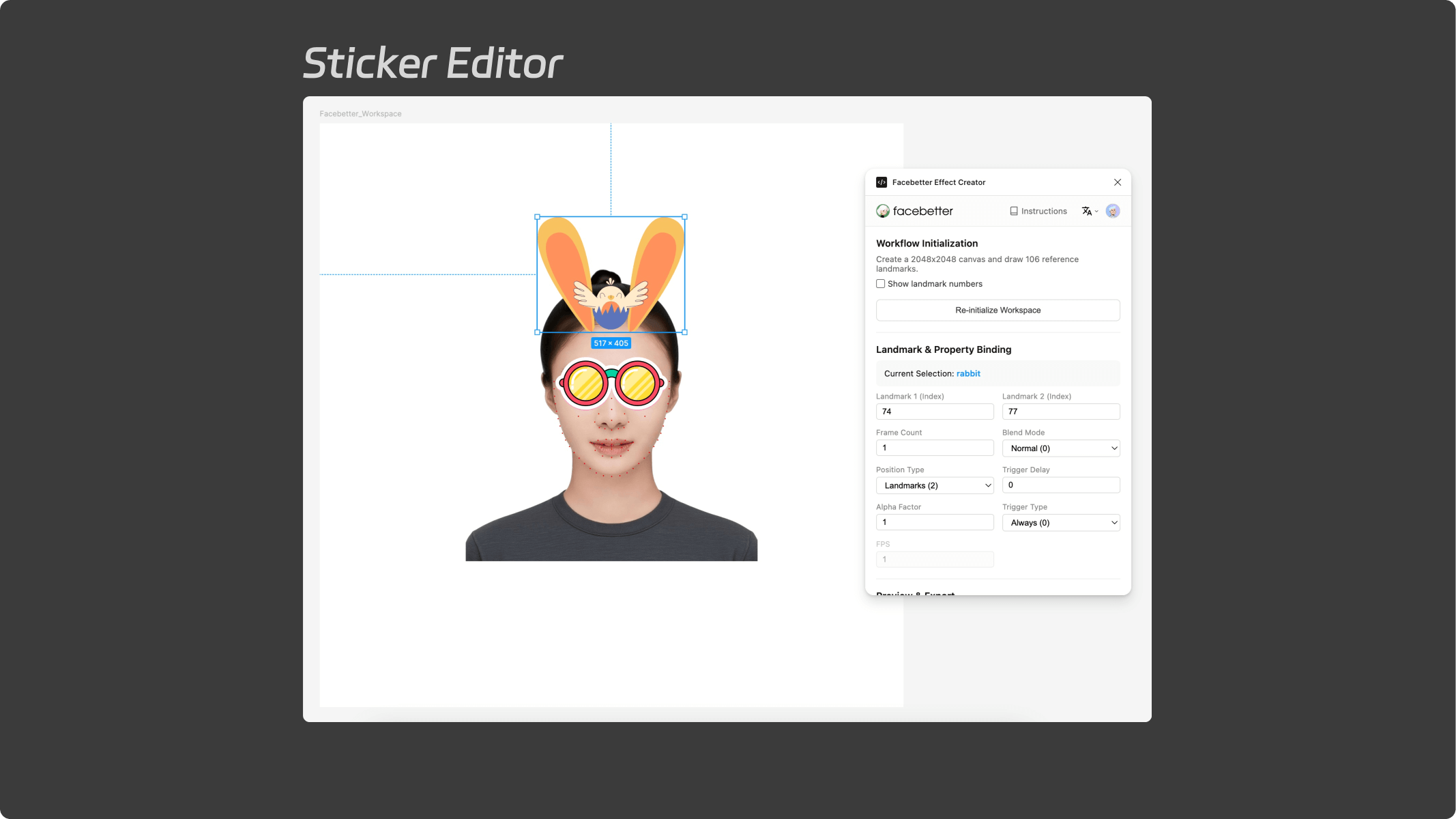
The Facebetter Effect Creator Figma plugin is a convenient tool specifically designed for creating stickers and makeup effects for the Facebetter SDK. It aims to simplify the creation process for stickers and makeup effects. With this plugin, you can directly complete sticker design, face landmark binding, attribute configuration, and 3D preview export within Figma.
Login and Language Settings
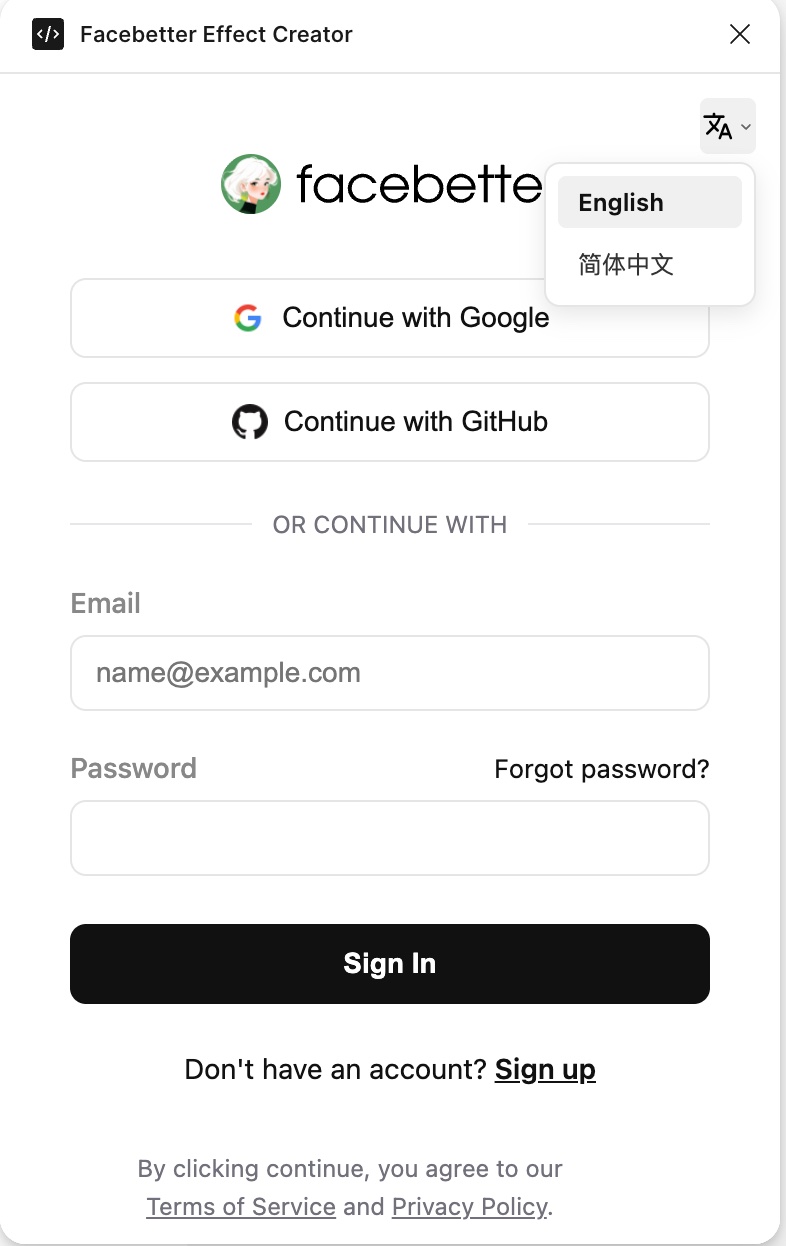
The plugin must be logged in before it can be used. You can log in using a Facebetter account or email, or use social accounts such as Google or GitHub.
- Launch Plugin: Run the Facebetter Effect Creator plugin in Figma.
- Login: Supports Google, GitHub, or email login.
- Language Switching: Click the dropdown menu icon at the top of the interface to switch between Simplified Chinese and English.
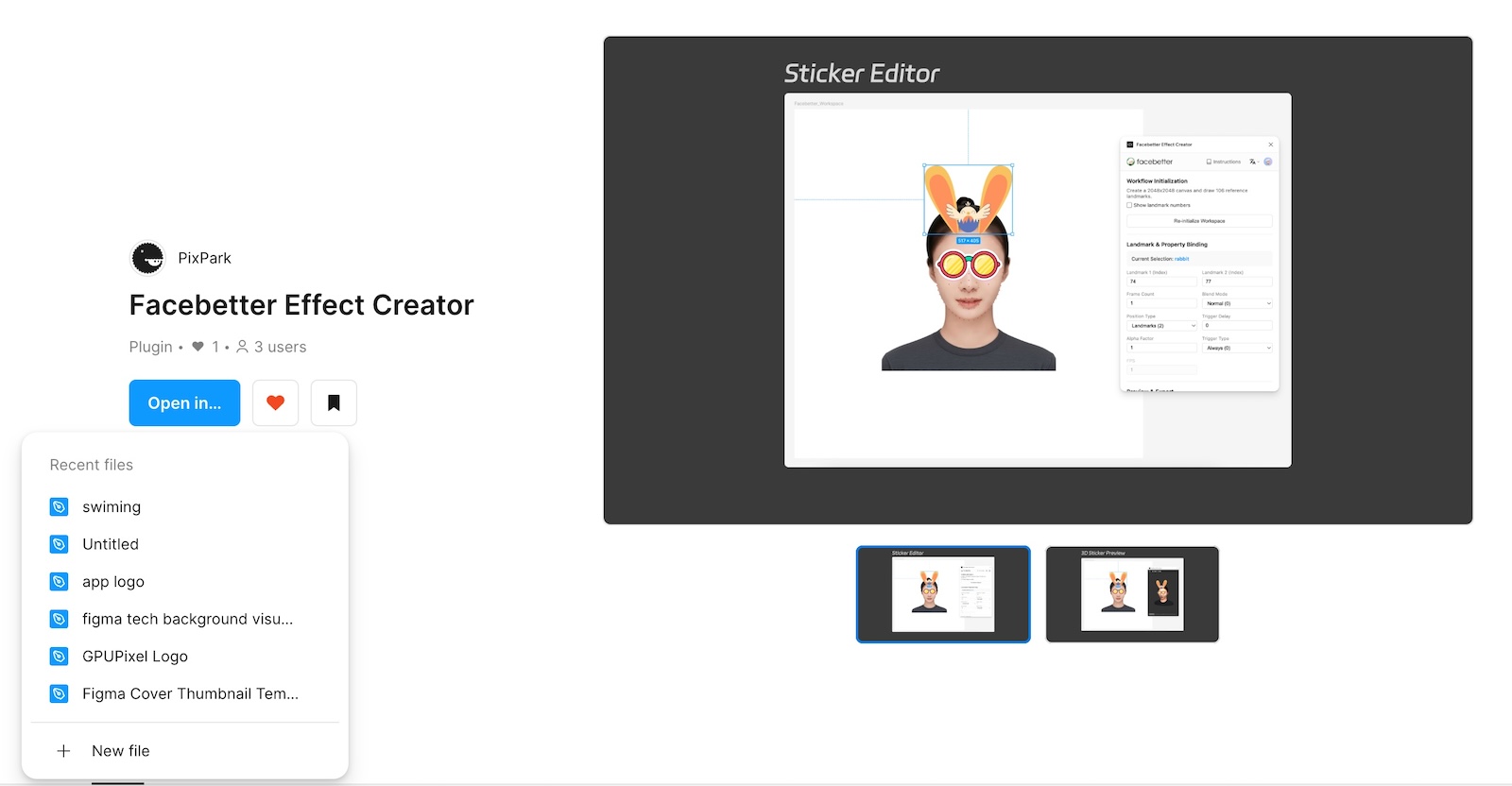
Install Plugin
Click this link: Plugin, or search for "Facebetter Effect Creator" in Figma, click "Open In" to open the plugin in an existing document or a newly created design document. A new blank document is recommended.
Attribute Editing
3D Preview